Log in Screen Help
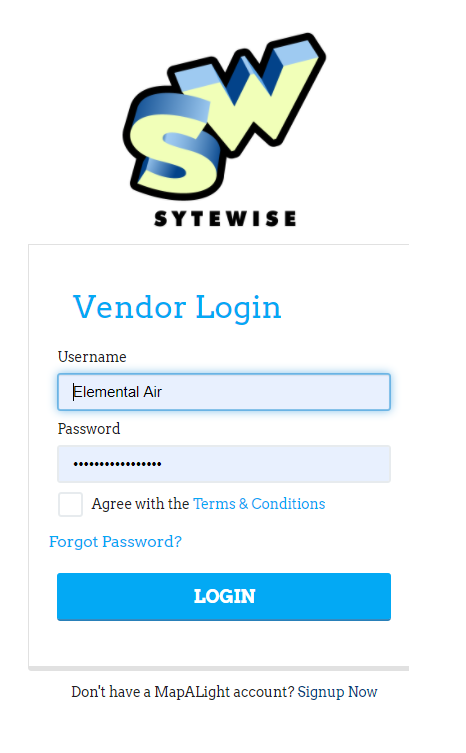
Point your browser to the vendor.sytewise.com. You will land on the login page automatically.
To sign in:
- Enter your username in the first field.
- Enter your password in the second field. If you need to double-check what you typed, click the eye icon to the right of the password field to reveal it.
- Check the box to agree to the terms of use.
- Click Sign In.
If your credentials are not accepted, double-check that your caps lock key is off -- passwords are case-sensitive. If you have forgotten your password, click the Forgot My Password link below the sign-in button and follow the prompts.
Once you are signed in successfully, you will see a brief "Logging You In" message before landing on your dashboard.
Tip: Your session will time out after a period of inactivity. If the portal suddenly asks you to log in again, that is why. Just sign back in and you will be right where you left off.