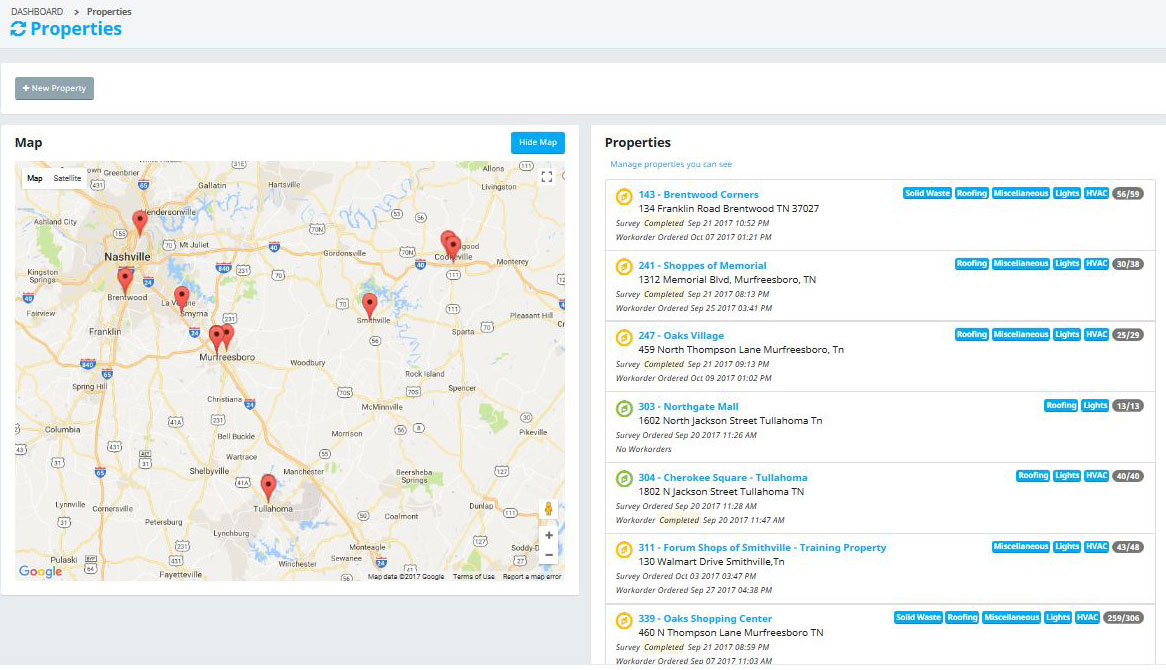
Properties
Properties are one of the fundamental concepts of the Sytewise system. A Property can be an actual property that you manager, or it may just be an address of the location where you have an asset that you manage. It can be the location where you do contractual work or provide a service. Whatever it means to you and your company, Sytewise sees a Property as a location and that location is unchangeable once established in the system.
When you add a property to your Sytewise account you are establishing a physical location on the planet for any Trade you use within your account. HVAC, Plumbing, Asphalt, Doors, and Keys are just a few of the many Trades you can establish for a Property Location in your account.
Favorite Properties
Your Dashboard and Properties pages in the Sytewise Admin show a list of your favorite properties. This is a convenient list for quick reference. Otherwise you can search for properties by name, by state, or by other user's favorites at the top of the property list.
To make a property your favorite
- Find the property you want to make your favorite and go to the property page.
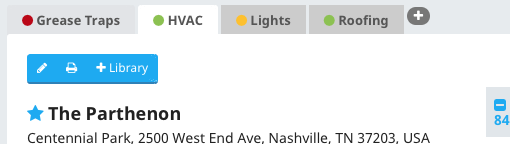
- Find the star to the left of the property name
- Click the star.
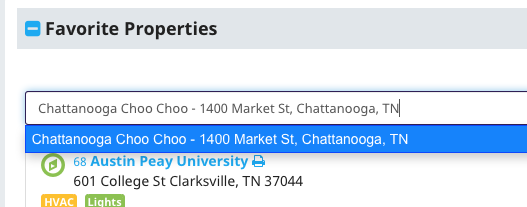
Make a property your favorite from your User page.
- Go to your user page
- Find the list of favorite properties on the right.
- Start typing the name of the property in the search box
- Select with your arrow keys of your mouse the property you wish to add.
- Hit return.